Overwhelmed? We're here to help.

7 Tips to Get a Free VPS Server

A vps server free offer can be a practical way to test a website, learn Linux, or run a small development project. But “free” can mean a limited monthly tier, a short trial, or promotional credits that expire. The details matter. Cloud computing expert Werner Vogels, Amazon’s CTO, is known for saying, “Everything fails, all the time.” His warning is useful here: even a no-cost server needs backups, monitoring, and a plan for downtime.

Choosing a VPS is not just about finding the lowest price. Check memory, storage, bandwidth, renewal costs, and whether payment details are required. Read the provider’s usage rules, too. A tiny instance may struggle with a database and a busy website at the same time. Free plans can also change. Save your files somewhere separate, and avoid storing important data on a server you cannot afford to replace.

This guide shares seven practical tips for comparing offers, checking limits, and setting up a free VPS more safely. It will also explain when a free tier is enough—and when it may be time to move to a paid plan. Be cautious with bold promises. I cannot make every offer sound risk-free; the fine print can be easy to overlook, even when the server appears to work perfectly. Start small. Test, measure, and keep a backup before relying on it.
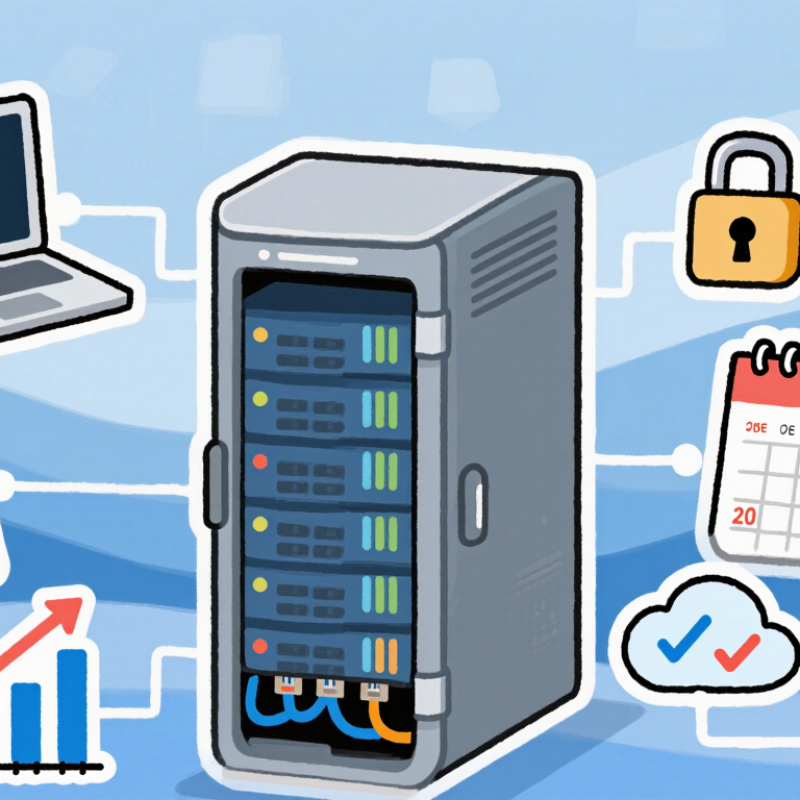
7 Tips to Get a Free VPS Server

Understand Free VPS Plans, Features, and Limitations

A free VPS is useful for testing a small website, learning Linux, or running a low-traffic service. But “free” can describe a trial, a limited monthly allowance, or a plan with strict resource caps. Check the fine print for CPU sharing, memory, storage type, transfer limits, backup fees, and what happens when the trial ends. The 2024 State of the Cloud survey reported that respondents estimated 27% of cloud spend was wasted. That is a reminder to monitor usage, even when the starting price is zero.

Tip 1: Compare the guaranteed resources, not just the advertised maximum.

Tip 2: Set billing alerts and test your application’s memory use.

Tip 3: Confirm whether you can export files and snapshots before access expires. Small print matters.

A VPS with 1 GB of memory may handle a simple test page, but database tasks can quickly make it feel cramped. Shared CPU can also slow down during busy periods, so run a short benchmark before relying on it. Check whether support, static IP addresses, and backups are included. Keep a copy of important files elsewhere. One detail is easy to overlook: free plans can change their limits. Treat them as a learning space, not a guaranteed home for critical services.


Compare Providers, Free Tiers, and Trial Offers

TIP 1 Compare free-tier limits before signing up. Check memory, storage, monthly data transfer, and processor time; a tiny server may struggle once you install a database.

TIP 2 Match the server region to your users. A nearby data center can reduce loading delays. Small difference, noticeable on a slow connection.

TIP 3 Read trial terms carefully. Check when billing begins, whether a payment card is required, and how to cancel. Set a calendar reminder.

TIP 4 Test the workload you actually plan to run. A basic web page and a busy application need different resources. Watch CPU and memory use for several days, not just during setup.

TIP 5 Compare uptime and support details. Free plans may offer limited help or no service commitment, so keep a copy of important files elsewhere. I sometimes overlook backups when a test seems harmless. That is a poor habit.

TIP 6 Check whether the free offer has an expiry date or usage cap. A trial can stop unexpectedly if you miss a notice or exceed its quota.

TIP 7 Choose a provider with clear terms and an easy upgrade path, but do not assume upgrading will preserve your setup. Take notes as you compare. The fine print matters. A quick spreadsheet with limits, renewal dates, and cancellation steps makes the differences easier to spot.

Verify Eligibility, Resource Caps, and Billing Terms

Before claiming a free VPS, check who qualifies. Some trials require a payment card, identity verification, or a new account. Read the eligibility rules carefully; a “free” offer may exclude your region or end after a short trial. Keep a screenshot of the terms and the renewal date. Small detail, big difference.

Check the resource caps, not just the headline RAM. A server limited to one shared CPU core and a small storage allowance may struggle with a database or busy website. Look for bandwidth limits, backup fees, and suspension rules after inactivity. Flexera’s 2024 State of the Cloud Report found that organizations estimated 27% of cloud spending was wasted. That figure covers cloud use broadly, not free VPS plans, but it shows why tracking consumption matters.

Read the billing terms before launching anything. Confirm whether overages trigger charges, whether stopping the server also stops storage billing, and how cancellation works. Set a calendar reminder before the trial ends, then check the invoice page after shutdown. I would also test the VPS with a tiny, noncritical project first. Free tiers can change, and provider documentation may lag behind the dashboard. Keep expectations modest.

7 Tips to Get a Free VPS Server — Verify Eligibility, Resource Caps, and Billing Terms

Tip What to Check Why It Matters Practical Action
1. Confirm the offer type Determine whether “free” means an ongoing free tier, a time-limited trial, or promotional account credit. Trials and credits can expire, while an ongoing free tier may still have usage limits or eligibility rules. Read the offer terms and note its end date, included services, and what happens when the allowance is used up.
2. Check eligibility before signing up Review requirements such as account verification, supported country or region, payment method, and one-account-per-person rules. An offer may be unavailable or restricted if the account does not meet its stated conditions. Verify eligibility on the provider’s current offer and terms pages before entering payment details.
3. Compare CPU and memory limits Check the number or share of virtual CPU cores, available memory, and any limits on sustained CPU use. A small instance may handle basic testing but struggle with builds, databases, or multiple services. Match the instance limits to your workload, and look for fair-use or throttling rules as well as headline specifications.
4. Inspect storage and data transfer caps Review disk capacity and type, included outbound data transfer, and any charges or restrictions after the allowance. Storage fills up over time, and internet traffic can create costs even when the virtual machine itself is free. Estimate monthly storage and outbound traffic; set usage alerts where available and keep backups separately.
5. Read the full billing terms Look for trial expiration, automatic conversion, recurring charges, paid add-ons, taxes, and billing increments. A free offer may require a payment method and can lead to charges if paid services remain active after the offer ends. Record the renewal or expiration date, review the billing dashboard, and remove resources you no longer need.
6. Check availability and service limits Confirm that the required region and instance type are available, and review limits on instances, ports, or operating systems. Free capacity may be limited, and a plan may not support the configuration or location your project needs. Check current availability before planning a deployment, and keep a suitable alternative configuration in mind.
7. Secure the server and plan for continuity Review backup options, support coverage, uptime commitments, and whether free resources can be suspended or reclaimed. Free plans may provide fewer recovery options or weaker service guarantees than paid plans. Use strong authentication, apply security updates, back up important data, and avoid relying on a free VPS for critical workloads without a recovery plan.

Create an Account and Secure Your VPS

A free VPS account begins with accurate details and a careful look at the offer. Check the included memory, storage, traffic limits, and renewal terms before creating it. Some plans require a payment method, even when the initial server costs nothing. Set a unique password, then enable multi-factor authentication if available. Keep recovery codes somewhere private and offline. Do not reuse a password from email or another service.

After the server is ready, connect with an SSH key rather than a password when the system supports it. Store the private key on a device you control, and never paste it into chats or public notes. Disable password-based SSH access only after confirming the key works. A lockout is easy to create by rushing. Keep the default admin account protected, and use a separate, non-root account for routine work.

Apply security updates before installing applications. Configure the firewall to allow only the ports you need; a basic web server may need web traffic and SSH access. Restrict SSH access to your own network when practical. Check login records occasionally, and remove test files or accounts you no longer use. Free plans can have tight limits, so monitor usage and save important data elsewhere. The dashboard is not a backup.

Deploy a Small Project and Monitor Usage

Treat a free VPS as a controlled experiment, not a miniature production system. Pick one small project: a status page, a lightweight API, or a scheduled image-resizing task. Before deployment, note the CPU, memory, storage, bandwidth, and idle-time limits. Free plans can change, and “unlimited” wording deserves scrutiny. Keep the app simple, store secrets outside your source code, and document how to roll back a bad release. Small is safer. Send a test request, then check access and error logs for retries, failed paths, or unexpected traffic.

Monitoring matters more than impressive specifications. Record CPU and memory during a short load test, then review daily peaks for a week. Set alerts before disk or memory runs critically low. Track outbound traffic, restarts, response time, and any trial expiration date. The 2024 State of the Cloud Report estimated that 27% of cloud spend was wasted, highlighting how easily idle or oversized resources go unnoticed. On a free VPS, the consequence may be a suspended service rather than a bill. Don’t trust one green dashboard: compare its graphs with system logs, and change one setting at a time. Watch the boring bits. It is easy to neglect them.

Have questions? We'll help answer all of them. CONTACT SUPPORT
CHAT WITH SALES