The Ultimate Guide to Finding Free Servers for Your Online Projects
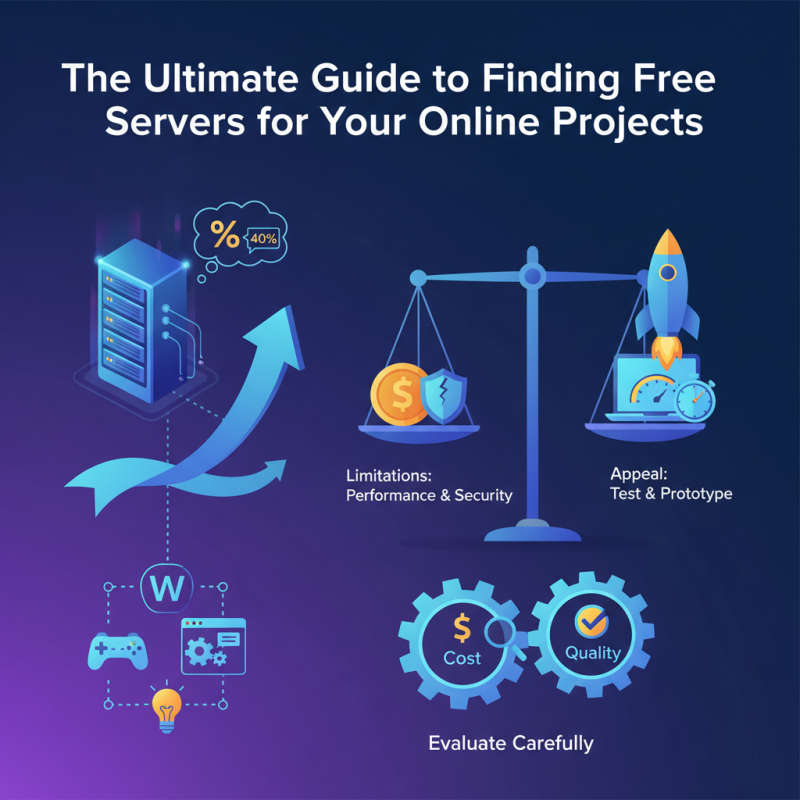
In today's digital landscape, many online projects require robust hosting solutions. However, the costs associated with server hosting can deter many creators and entrepreneurs. A solution exists in the form of free servers, which provide an accessible route for those seeking to launch their projects without significant financial burdens. According to a recent industry report, nearly 40% of startups cited hosting costs as a barrier to growth.
Free server options can facilitate innovation and creativity in various fields, from web development to game hosting. However, these solutions often come with limitations. Performance can vary significantly, impacting project functionality. Security issues may arise as well, especially when data privacy is a concern.
Despite these shortcomings, the appeal of free server offerings remains strong. The ability to quickly test an idea or prototype can outweigh potential drawbacks. Evaluating these options carefully is essential. Recognizing the balance between cost and quality is crucial for the long-term success of any project.
Understanding the Importance of Free Servers for Online Projects
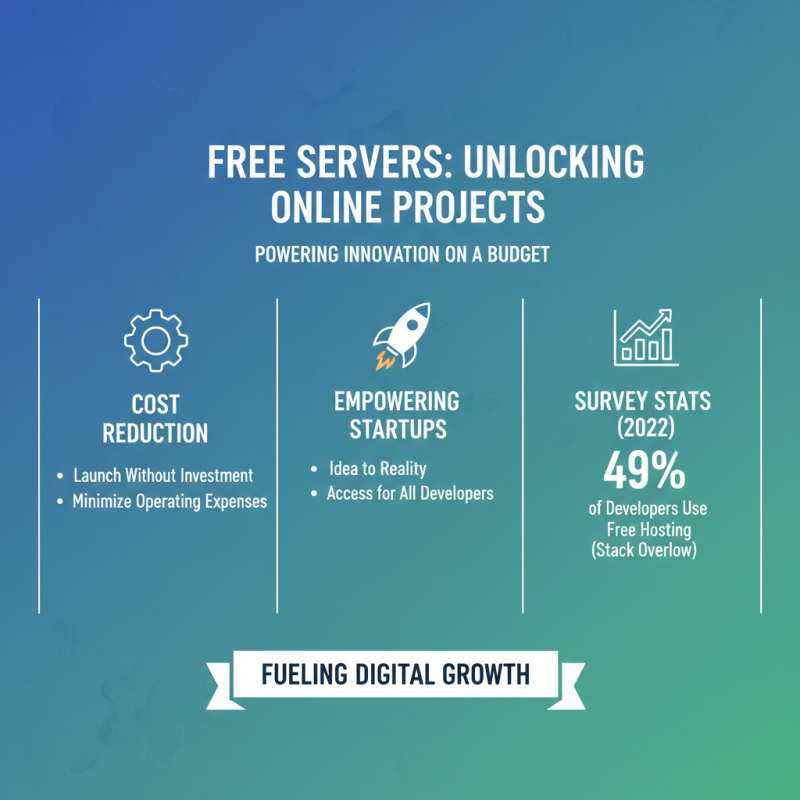
Free servers play a crucial role in the success of online projects. They reduce costs significantly, enabling startups and individual developers to launch their ideas without large investments. According to a 2022 survey by Stack Overflow, about 49% of developers leverage free hosting solutions. This statistic highlights how vital these options are for those on a budget.
Using free servers can present challenges. Users often face limitations, such as bandwidth caps and storage restrictions. In some cases, these resources may not support high-traffic demands. A study by Hosting Facts revealed that around 75% of free server users reported performance issues during peak times. This underlines the need for careful planning and assessment when choosing a server.
Not all free solutions guarantee reliability. A lack of support and service interruptions can deter users. Conversely, some users find these experiences valuable, teaching them resilience and adaptability. The journey fosters critical skills, enabling developers to pivot and find alternative solutions. In this way, navigating the world of free servers can be a valuable learning experience, despite its complexities.
Types of Free Servers Available for Different Needs
When looking for free servers for online projects, many options are available. Shared hosting is a common choice. It allows multiple users to share resources. This is cost-effective but can lead to slow performance during peak times. If you expect heavy traffic, this may not be the best fit.
Cloud platforms offer another great alternative. They provide scalable resources based on demand. Many platforms offer free tiers with limited features. However, monitoring usage is crucial to avoid unexpected costs. Virtual private servers (VPS) are also an option. They provide more control compared to shared hosting. But they can be tricky to configure. Beginners might find the learning curve steep.
Utilizing free servers comes with trade-offs. Reliability can vary greatly. Some free providers may go offline without notice. It's essential to choose wisely and always have a backup plan. Consider how much traffic your project will handle. Testing different types of servers can lead to valuable insights.
The Ultimate Guide to Finding Free Servers for Your Online Projects - Types of Free Servers Available for Different Needs
| Type of Server |
Features |
Best For |
Limitations |
| Web Hosting Server |
Basic hosting features, subdomains |
Blogs, personal websites |
Limited bandwidth, ads displayed |
| Cloud Server |
Scalable resources, flexible configurations |
Development, testing environments |
Usage limits, potential costs for upgrades |
| Game Server |
Multiplayer support, low latency |
Gaming communities |
Player limits, unstable performance |
| File Storage Server |
File sharing, cloud storage |
Collaboration, backups |
Storage limits and security concerns |
| Email Server |
Basic email functionality |
Small businesses, personal use |
Limited storage, lack of advanced features |
How to Evaluate the Reliability of Free Server Options
When searching for free servers, reliability is crucial. Many options appear promising but may fail under pressure. Start by checking online reviews. Look for real feedback from users. This can give you insight into the server’s performance and support.
Tips: Always test the server. Create a small project to evaluate its uptime. If it keeps going down, that's a red flag. Some servers may promise high speeds but fail to deliver. Check their bandwidth limitations carefully.
Another aspect to assess is customer support. Free servers often lack robust support channels. Try contacting support with a question. A quick response indicates a more reliable service. Avoid those that take days to reply. They might not be dependable in critical situations.
Tips: Keep an eye on the service's terms. Understand what they consider "free." Some may impose limits that could disrupt your project. Knowing these details early on can save you future headaches.
Step-by-Step Guide to Setting Up Your Free Server
Setting up a free server for your online projects can seem daunting. However, with the right approach, you can simplify the process. Start by researching platforms that offer free server hosting. Many options are available if you look carefully. Focus on those that meet your specific needs.
Once you've chosen a platform, create an account. Verify your email and complete any necessary steps. It’s essential to read the terms and conditions. Some providers have limitations on resource usage. Remember that free doesn’t mean unlimited.
Tips: Ensure you understand basic server management. Familiarize yourself with file uploads and security settings. Don’t skip the tutorials. They can be lifesavers. Test your setup often. You might face downtime or unexpected errors.
After setting up your server, explore different configurations. Experiment a bit. It’s a learning journey, and mistakes will happen. Every misstep teaches you something valuable. Keep your goals in mind, but stay flexible. Adapt your plans as you gain more experience.

 Overwhelmed? We're here to help.